
Identifying Bottlenecks: Is Your Hardware Slowing Down Patient Care?
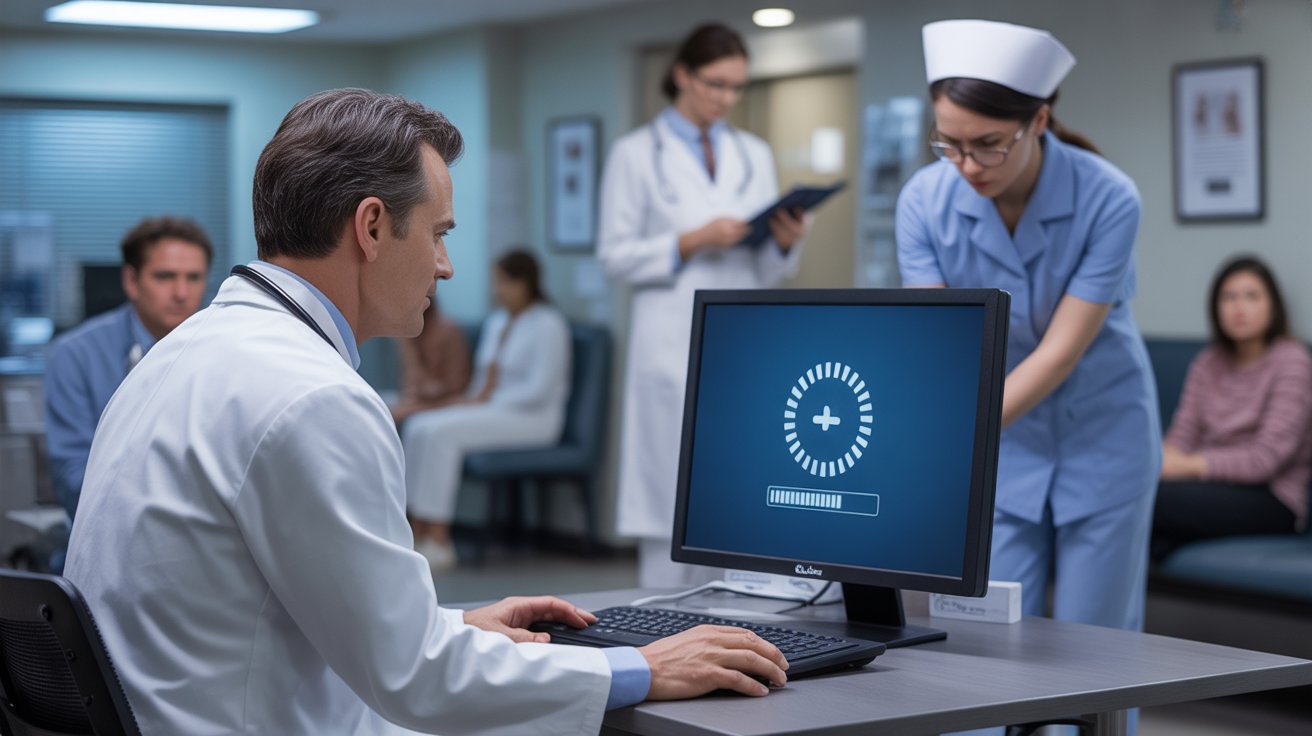
Technology is meant to accelerate healthcare delivery, not delay it. Yet in many clinics, outdated or poorly configured hardware quietly slows operations every single day. Providers wait for screens to load. Front desk teams struggle with frozen scheduling systems. Billing staff experience delays submitting claims. Patients sit in exam rooms while computers reboot.
These slowdowns may seem minor in isolation. Over time, however, they compound into lost productivity, frustrated staff, delayed care, and reduced revenue.
Hardware bottlenecks are not always dramatic failures. Often, they are subtle inefficiencies that gradually erode performance.
Understanding whether your hardware is slowing patient care requires careful evaluation. Identifying and correcting these bottlenecks protects workflow, improves patient experience, and strengthens financial stability.
Technology health is operational health.
What Is a Hardware Bottleneck
A hardware bottleneck occurs when a physical technology component limits system performance. This may involve aging computers, insufficient memory, outdated servers, slow internet connections, unreliable routers, or overloaded storage systems.
When one component underperforms, the entire system suffers.
For example, if workstations lack sufficient processing power, Electronic Health Records systems may load slowly. Providers waste valuable minutes navigating charts. Appointment schedules fall behind.
Hardware constraints do not always trigger obvious alarms. Instead, they create consistent micro delays that disrupt workflow.
Recognizing these subtle patterns is essential.
How Hardware Slowdowns Affect Patient Care
Hardware bottlenecks impact more than convenience. They directly influence care quality.
Delayed documentation can reduce face to face interaction time. Providers may rush conversations to compensate for slow systems. Diagnostic decisions may be postponed if imaging uploads lag.
When integrated services such as structured Telehealth Services rely on stable internet and functional cameras, weak hardware undermines reliability.
Patients notice inefficiencies.
Long waits, repeated restarts, and awkward pauses during virtual visits reduce confidence.
Technology performance shapes patient perception.
The Hidden Financial Cost of Slow Hardware
Time is revenue in healthcare.
If providers lose five minutes per patient due to slow systems, that lost time accumulates across dozens of appointments each week.
Billing workflows supported by Revenue Cycle Management and Medical Billing Services depend on timely data entry. Hardware delays can slow claim submission, extending reimbursement cycles.
Inaccurate or delayed Charge Capture processes may occur when systems freeze or crash during documentation.
The financial cost of bottlenecks often exceeds the cost of hardware upgrades.
Delayed efficiency is expensive.
Common Signs of Hardware Bottlenecks
Many clinics normalize slow technology, assuming delays are unavoidable. However, several warning signs indicate hardware limitations:
- Frequent computer freezing or rebooting
- Long login times for EHR platforms
- Delayed printing or scanning
- Unstable Wi Fi connections
- Dropped telehealth calls
- Server crashes during peak hours
- Overheating equipment
These symptoms suggest infrastructure strain.
Ignoring them increases risk of major disruption.
Early identification prevents escalation.
Evaluating Workstation Performance
Individual workstations are often overlooked in technology assessments.
Outdated desktops with limited memory struggle to support modern software demands. Insufficient storage slows file retrieval and imaging uploads.
Staff feedback provides valuable insight. If providers consistently report slow performance, investigate hardware specifications.
Upgrading memory or replacing aging machines can dramatically improve speed.
Technology should support clinicians, not frustrate them.
Reliable workstations restore productivity.
Network and Bandwidth Limitations
Network performance significantly affects system speed.
If internet bandwidth is insufficient for the number of users and connected devices, latency increases. Video visits may freeze. Cloud based platforms may stall.
Practices offering telehealth, remote monitoring, or integrated lab systems require stable high speed connections.
Proactive evaluation through structured Healthcare Project Management solutions can identify bandwidth gaps before expansion.
Reliable networks protect continuity.
Bandwidth is not optional infrastructure.
Server and Storage Capacity Issues
Onsite servers or cloud storage systems must handle increasing data volumes.
High resolution imaging files, detailed documentation, and backup copies require substantial storage capacity.
When storage reaches limits, performance declines.
Delayed file retrieval affects appointment efficiency. Backup processes may fail.
Structured Denial Management solutions depend on accessible documentation to resolve claim disputes efficiently.
Storage bottlenecks compromise both operations and compliance.
Adequate capacity supports growth.
Impact on Staff Morale
Technology frustrations accumulate.
When staff repeatedly encounter slow systems, morale declines. Productivity feels constrained. Burnout risk increases.
Clearly defined organizational differentiators often include operational efficiency and coordinated systems.
Investing in hardware improvements communicates commitment to staff wellbeing.
Satisfied teams deliver better patient experiences.
Technology investments influence culture.
Conducting a Hardware Performance Audit
A structured audit evaluates each component of your infrastructure.
Assessors review:
- Workstation age and specifications
- Server capacity
- Network bandwidth
- Router performance
- Backup systems
- Peripheral devices
Testing system speed during peak hours reveals real world performance.
Financial systems including Accounts Payable management also rely on secure stable hardware.
Comprehensive audits reveal weaknesses before failure occurs.
Diagnosis precedes treatment.
Planning Strategic Upgrades
Not all hardware requires immediate replacement. Strategic prioritization is key.
Focus first on systems directly affecting patient facing workflows. Upgrade workstations used for documentation. Improve network infrastructure supporting telehealth and cloud platforms.
Gradual replacement schedules reduce financial strain.
Align hardware planning with overall technology strategy.
Upgrades should support long term scalability.
Intentional planning protects budgets.
Avoiding Reactive Replacements
Waiting until equipment fails creates emergency spending.
Emergency replacements disrupt workflow and may require rushed vendor decisions.
Preventive evaluation allows competitive bidding, phased budgeting, and coordinated installation.
Hardware strategy should be proactive rather than reactive.
Preparedness reduces chaos.
Measuring Improvement After Upgrades
After hardware improvements, track measurable outcomes:
- Reduced login times
- Shorter appointment durations
- Fewer system crashes
Improved telehealth stability - Faster claim submission
Performance metrics confirm return on investment.
Staff satisfaction surveys also provide insight.
Improvement should be visible and tangible.
Integrating Hardware With Overall IT Health
Hardware evaluation should align with broader IT assessments.
Infrastructure, cybersecurity, workflow integration, and compliance safeguards must operate cohesively.
Hardware upgrades alone cannot compensate for outdated software or poor configuration.
Comprehensive evaluation ensures alignment.
Balanced systems create stability.
Long Term Strategic Advantage
Clinics that prioritize hardware optimization position themselves for growth.
Expanding service lines, implementing new diagnostic equipment, or adopting advanced analytics tools requires stable infrastructure.
Strong hardware foundations support innovation.
Without reliable systems, expansion efforts stall.
Infrastructure determines scalability.
Final Thoughts
Hardware bottlenecks are silent disruptors of patient care.
Slow systems, unstable networks, and aging equipment create inefficiencies that compound daily.
These delays affect documentation accuracy, patient satisfaction, reimbursement timelines, and staff morale.
Identifying bottlenecks through structured audits protects workflow and financial performance.
Upgrading strategically ensures technology supports rather than hinders clinical excellence.
Healthcare organizations invest heavily in people and processes.
They must invest equally in the physical technology that powers those processes.
When hardware functions efficiently, patient care accelerates.
When systems run smoothly, providers focus on patients rather than troubleshooting.
Optimizing hardware is not a luxury.
It is an operational necessity.
Diagnosing and addressing bottlenecks strengthens resilience, protects revenue, and enhances care quality.
In healthcare, every minute matters.
Make sure your hardware is not stealing those minutes.
Related Posts